Describe
Write the first description
Example: a cat sitting on a moonlit windowsill, film photography, soft grain.
Multi-turn AI image canvas
Describe an image, branch from the versions you like, then compare and download the keepers.
Start your canvasEmail magic link, no password · new users get 10 free credits
Try a few versions of the same idea, pick a direction you like, then keep adding details. This gallery branched from a moonlit cat.
Example: a cat sitting on a moonlit windowsill, film photography, soft grain.
Keep results from the same round on the canvas so you can compare composition, tone, and detail.
Add new requirements on a version you like so character, style, and scene keep evolving.
A cat on a moonlit windowsill, film photography, soft grain; branch into pixel art, cyber city, rainy neon, and fantasy architecture.
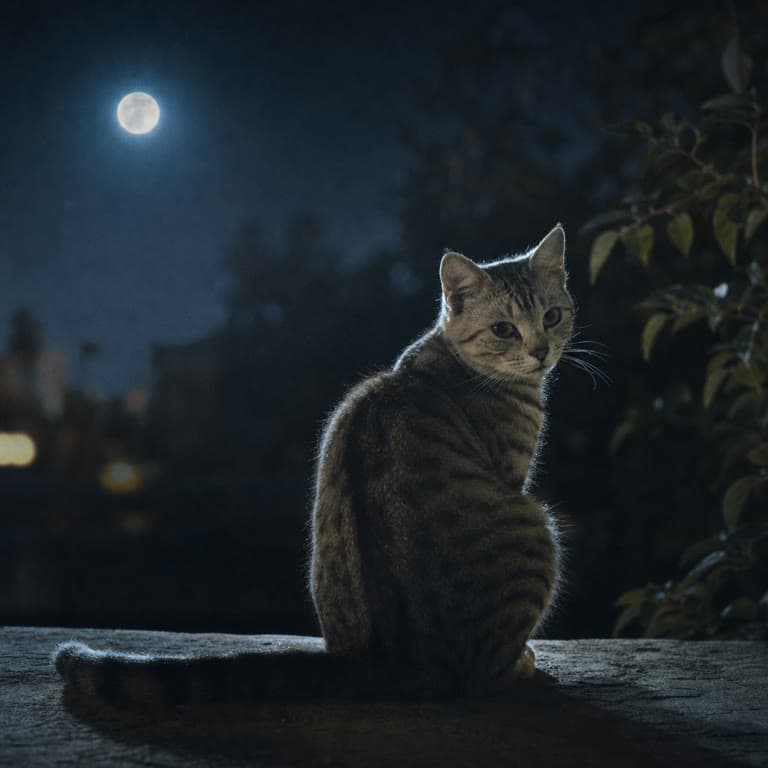
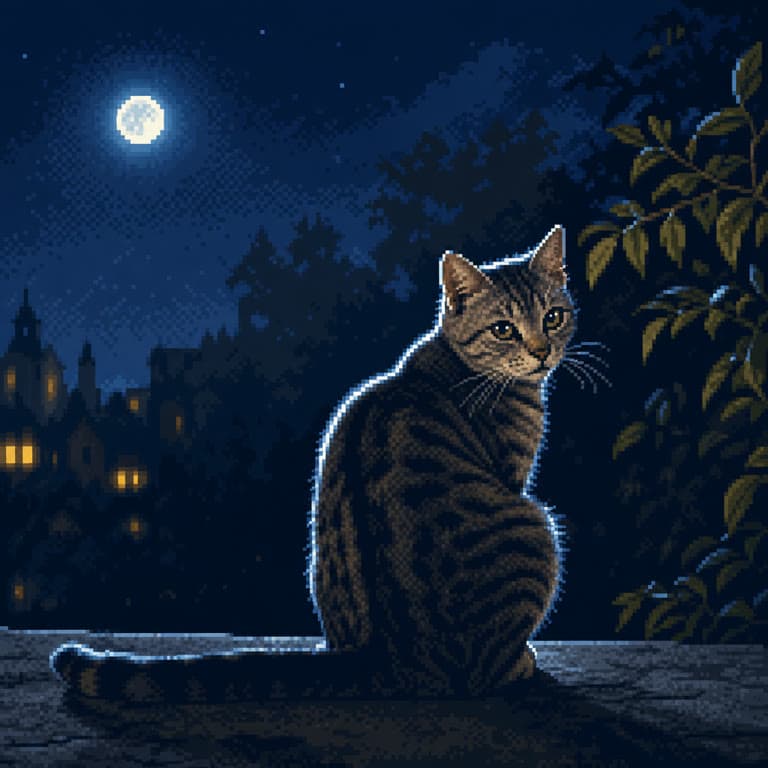
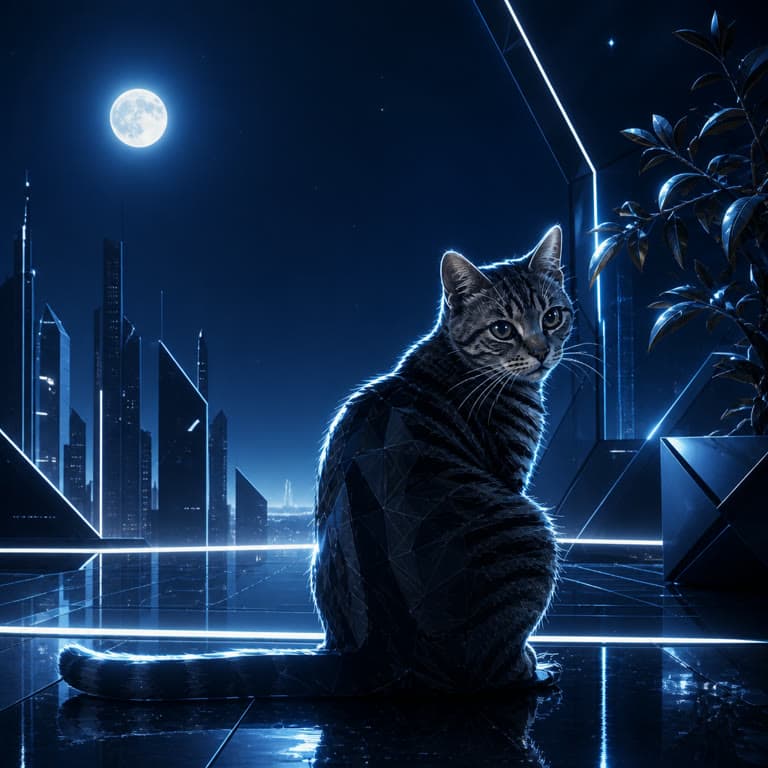
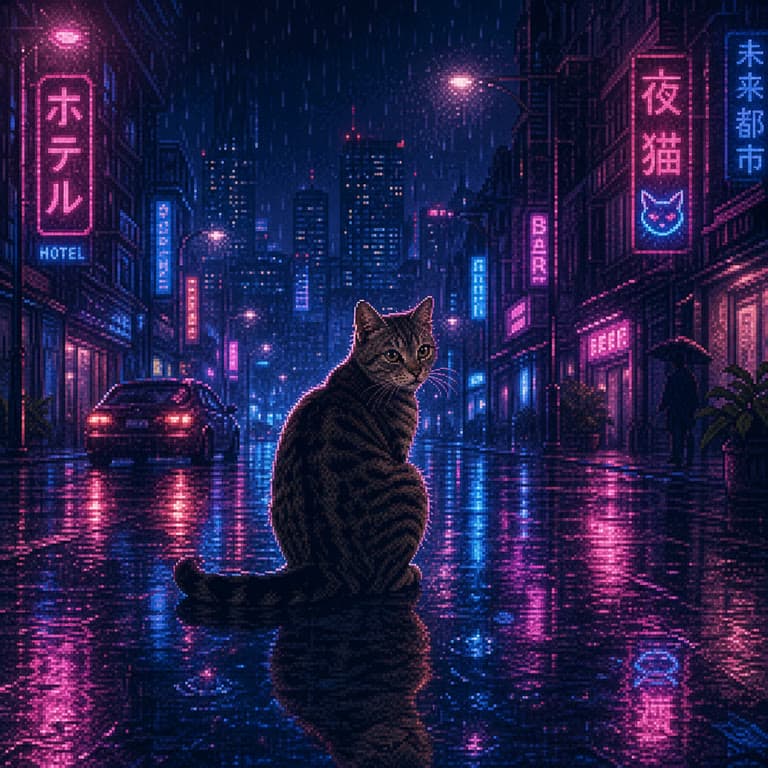
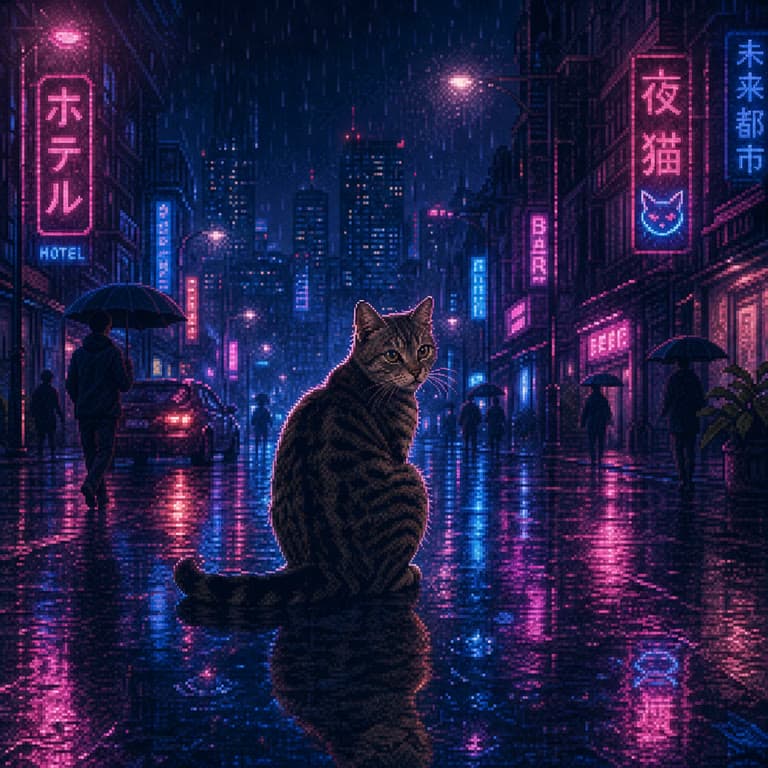
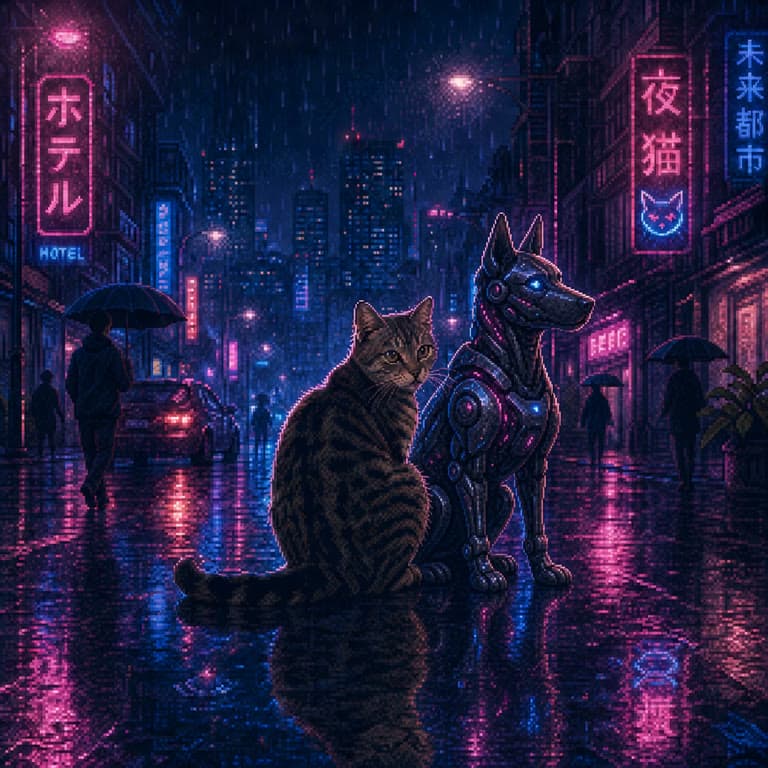
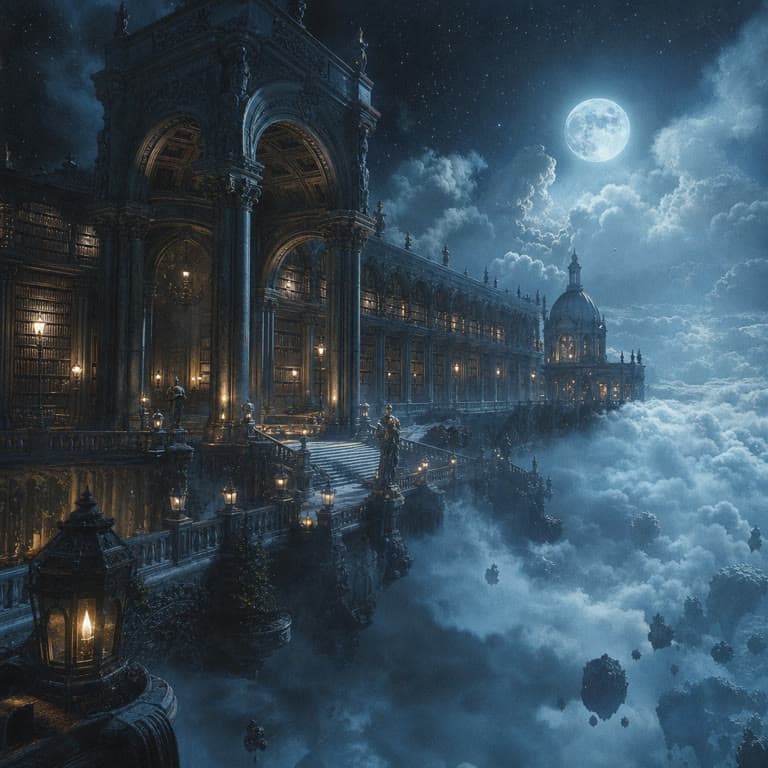
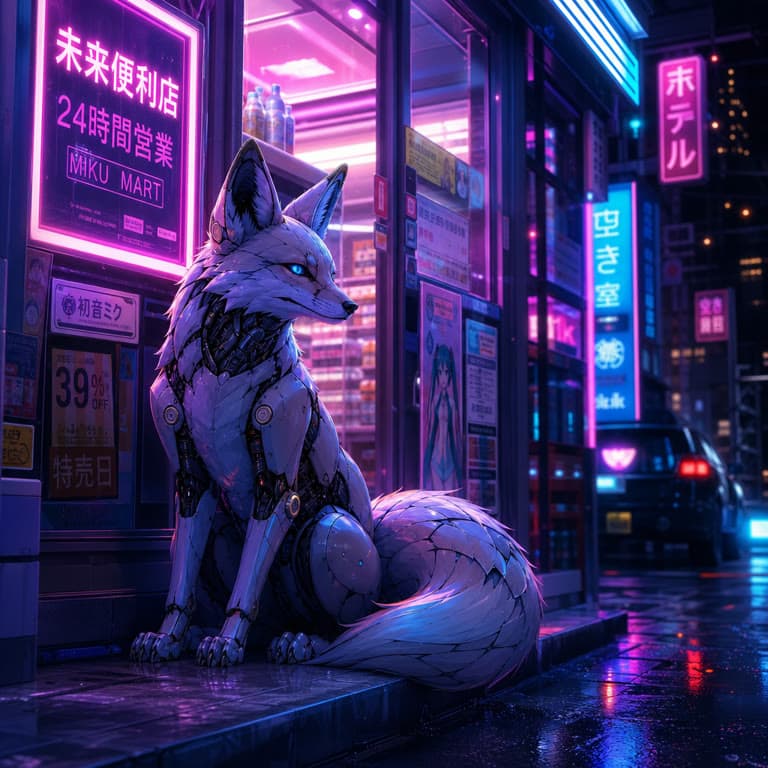
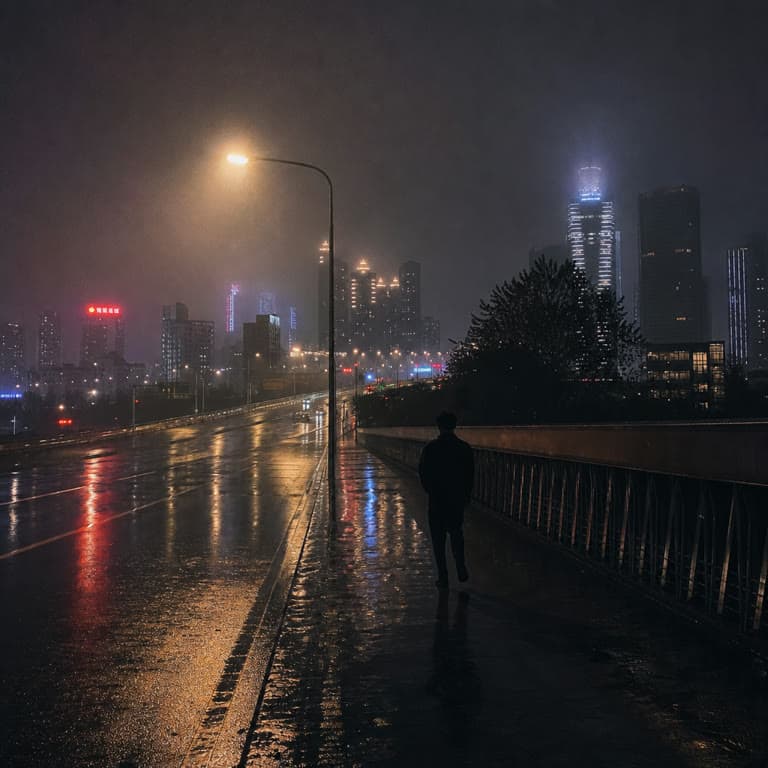
No tool hopping, no starting over. Select an existing image and add one more line to keep exploring.
Type your idea in the canvas prompt bar, choose aspect ratio, quality, and generation mode, then generate.
Select any image and add a new request. The next generation continues from that image.
Multi-select thumbnails to compare side by side, or pack selected images into a zip with batch naming.
Generate, branch, compare, and download in one place — fewer context switches.
Select any existing image and generate on top of it. Style, subject, and composition follow the direction you chose.
Single images usually take about a minute; multi-image runs in parallel so you can plan the next prompt while waiting.
Compare candidates side by side, keep the winners, and export what you need without leaving the canvas.
After login, canvas history syncs across browsers and devices so you can continue on another machine.
New users get 10 free credits. Failures refund automatically — no subscription, no expiry.
Try the product with a few avatars, posters, and concept sketches.
Steady creation for product shots, social covers, and multi-version edits.
For teams and power users who batch-generate at higher resolutions.
Checkout via Creem (cards / PayPal, etc.). Credits land automatically.
Pricing, refunds, downloads, and saves — all in one place.
Image Canvas is a multi-turn AI image tool. It keeps prompts, results, branching, comparison, and download on one canvas — great for product shots, social covers, avatars, posters, and concept sketches.
Most tools are one prompt in, one batch out. Image Canvas lets you select any existing image and keep generating so style, subject, and composition evolve in a consistent direction.
Common aspect ratios plus standard, HD, and ultra quality. Estimated credit cost is shown before generation, and only successful images are charged.
No. Failed generations refund credits automatically. Purchased credits do not expire, and new users get free credits to try the product.
Yes. Multi-select images on the canvas and download a zip, or enter compare mode first and export only the versions you keep.